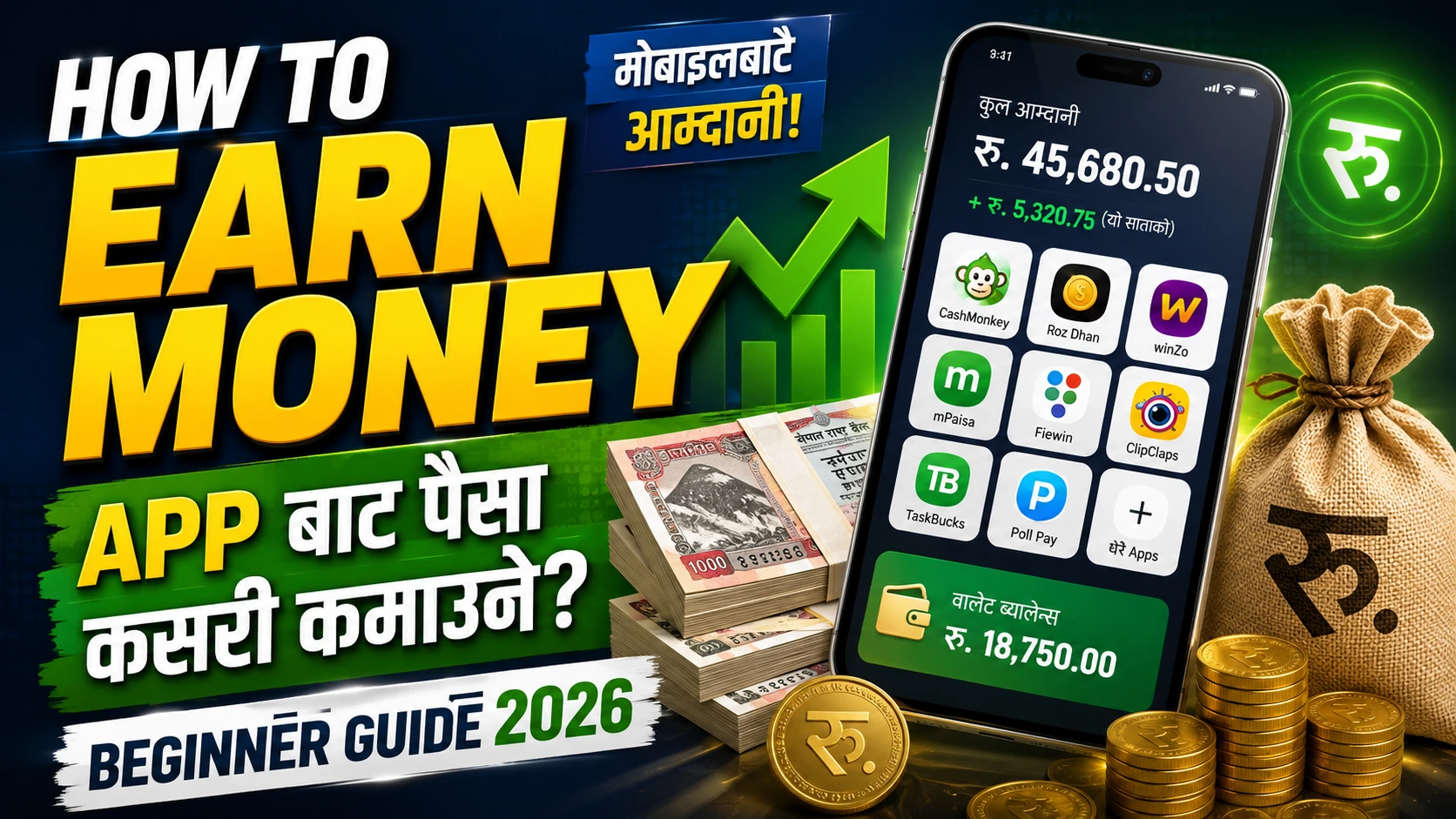
How to earn money from app
बनाएको App बाट पैसा कसरी कमाउने?
From ads to subscriptions — which method is suitable for whom, and realistically how much can be earned.
After an app is released, almost everyone asks the same question — 'So how do we make money from this now?' Even though the question sounds simple, the answer isn’t that straightforward, because there are many ways to do it, and not every method works for every app. What works for a game app might not work for a utility app. In this article, I’m going to go over all those methods, when to use each, and how much you can realistically make.
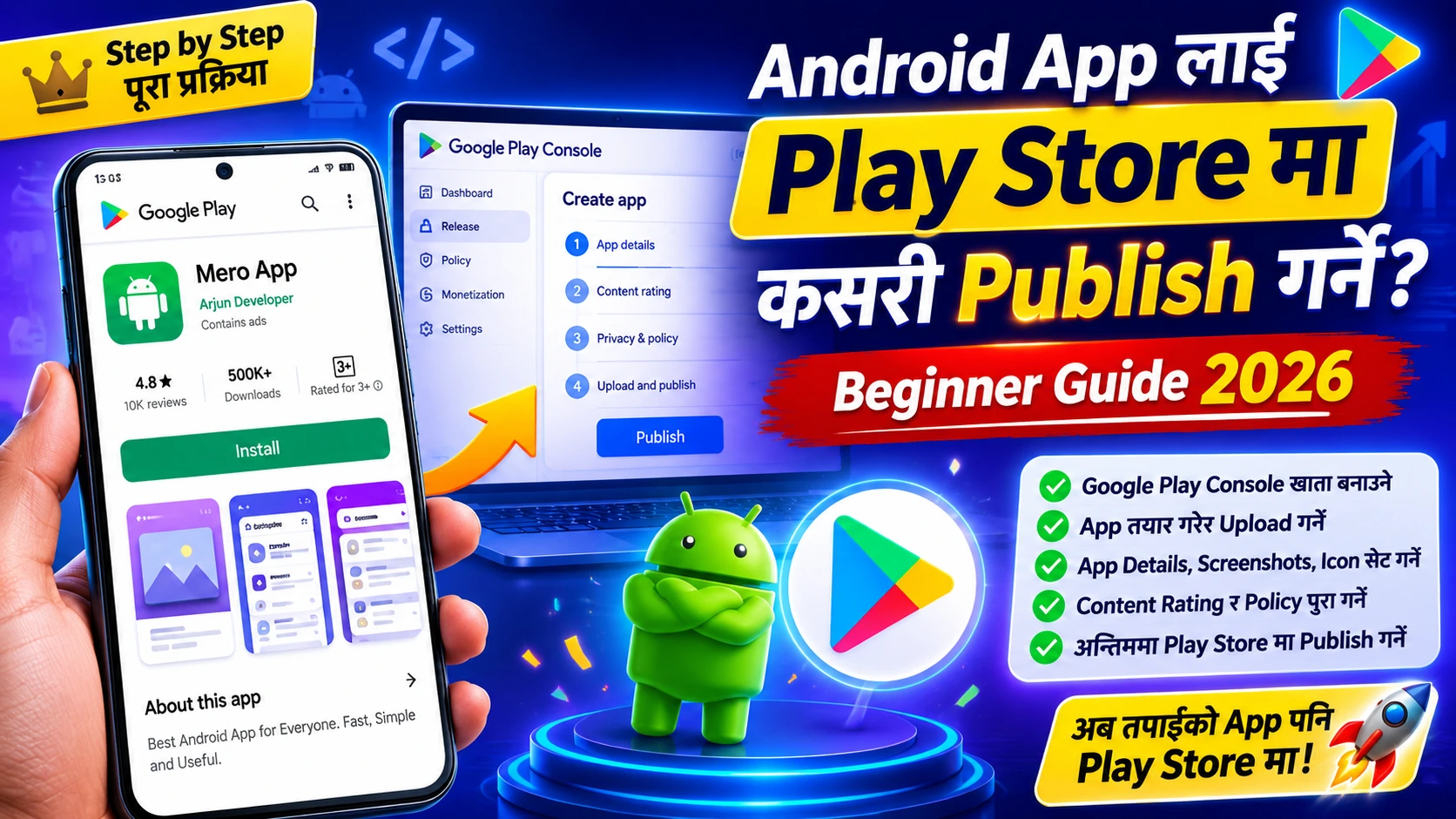
If you haven't created and published an app yet, read these two articles first — How to make an Android app and how to public on play store If the app is ready, let's move forward from here.
One reality you need to understand before earning money
Many people think that money starts coming the day after an app is published. To be honest, this rarely happens. For a good income from an app, you first need to have Users — an app with 10-20 users won’t make much revenue no matter how many ads it shows. So, before thinking about strategies to make money, focusing on making the app useful and attracting users should be your first priority. Money-making features can be added later.
Method 1 — Earning by showing ads (the most common way)
Keeping an app free and making money by showing ads inside it is the most popular way. The more users run the app, the more ads are seen, and the more the income grows. For this, Google has its own service. — AdMob।
- Link: admob.google.com
- How does it work: After creating an AdMob account, you need to set the places in the app to show ads (Banner, Interstitial, or Rewarded Ad), the rest Google will automatically show the appropriate ads.
- When will the payment come?: Around the 21st of every month, the payment comes only if the balance reaches $100 — if it doesn't, it gets added to the next month.
Types of Ads
- Banner Ads — Ads that appear in a small strip at the top or bottom of the screen bother the user less, but the income is also lower.
- Interstitial Ads — Full screen ads usually appear when changing levels or switching screens. They bring good income, but showing them too often can annoy users.
- Rewarded Ads — The user voluntarily watches ads (like to get Extra Life) and gets some reward in return. This is considered a way that benefits both the user and the developer.
Adding AdMob in Android Studio build.gradle You need to add the dependency to the file like this:
dependencies {
    implementation 'com.google.android.gms:play-services-ads:23.0.0'
}
After this, we'll keep adding the code for Banner or Interstitial Ads according to AdMob's Official Documentation — since this part is a bit technical, there's a plan to write it in detail with code in a separate article.
Method 2 — In-app Purchase (Selling something within the app)
In-app purchases are a way to let users buy extra features, coins, skins, or levels within the app. This is done using Google's Play Billing Library. You can create both types of in-app purchases: one-time purchases (like the "Remove Ads" feature) or consumable ones that can be bought repeatedly (like game coins). The advantage is that when the app is free, a lot of users come, and only those who really like the app will pay for additional features — this is also called the Freemium Model.
Method 3 — Subscription (To be paid monthly/annually)
In this model, users pay a set recurring fee (monthly or yearly) to access the app's premium features over time. You'll commonly see this used in streaming services, fitness apps, and cloud storage solutions. The biggest advantage of this model is that instead of a one-time payment, you earn recurring revenue every month, providing a much more reliable and steady income stream in the long run.
Method 4 — Paid App (Pay Upfront to Download)
This model requires users to purchase the app upfront before they can download it. It’s generally considered risky for beginners because if similar free alternatives exist, users are unlikely to pay for a new app. This strategy usually works well only for specialized professional tools or genuinely unique apps.
Method 5 — Affiliate Marketing (Promoting Third-Party Products)
Here, you place links to third-party products or services inside your app and earn a commission whenever someone makes a purchase through those links — similar to affiliate programs offered by platforms like Daraz or Amazon. This approach fits seamlessly into blogs, news platforms, or recommendation-based apps.
Which Strategy Fits Which Type of App?
| App Category | Recommended Strategy |
|---|---|
| Games | Ads (Rewarded) + In-app Purchases |
| Utility (Calculators, To-Do Lists, etc.) | Ads (Banner) + "Remove Ads" Purchase |
| Streaming / Fitness / Service | Subscriptions |
| Professional Tools | Paid App or Subscriptions |
| Blogs / News / Recommendations | Ads + Affiliate Marketing |
How to Get Paid? (Google Play Console Setup)
Whether you use ads or in-app purchases, you need to configure your payment details in the Play Console to receive your earnings:
- For AdMob: Link your AdMob account to your Play Console and add a bank account or another supported payment method.
- For In-app Purchases or Paid Apps: Go to "Monetization setup" in the Play Console, set up a Google Payments Merchant Account, and submit your tax details.
- For creators in Nepal: AdMob payments can be received via international bank transfers or services like Wise. Make sure to carefully verify and select the right option when setting up your account.
How Much Can You Actually Earn?
There is no single exact answer to this question, as earnings depend heavily on your user base size, target country, and ad format. However, to give you a realistic idea — an app with around 1,000 active users who open the app daily and view ads might earn anywhere from a few tens to a few hundred dollars a month. Until you build a sizable user base, keeping your expectations realistic regarding ad revenue is best. Substantial income only starts rolling in once your app reaches thousands or millions of active users.
Common Mistakes to Avoid Early On
- Overloading with Ads: Placing ads on every single screen might seem like a quick way to boost revenue, but it actually frustrates users and leads to high uninstallation rates. Aim for a healthy balance.
- Obsessing Over Monetization Without Users: Focus on building a genuinely useful app and acquiring an audience first. Monetization should naturally follow.
- Combining Every Method at Once: Throwing ads, subscriptions, and in-app purchases at users all at once creates confusion. It's much better to implement one or two methods thoughtfully.
- Violating Ad Policies: Clicking your own ads or tricking users into clicking them can result in an immediate AdMob account ban. Always stick to the policies.
Frequently Asked Questions
My app is small with few users. Can I still monetize it?
Yes, you can, but keep your income expectations low initially. Setting up monetization early is fine, but your primary focus should remain on growing your user base.
Can I use both Ads and In-app Purchases together?
Absolutely! Many successful apps do this — they show ads to free users while offering an optional "Remove Ads" purchase for those willing to pay.
Can I receive AdMob payments in Nepal?
Yes, you can receive payments via direct bank transfer or other supported payment channels. Just double-check your region and payout settings during the account setup.
Which monetization method is best to start with?
If you are a beginner, starting with simple ad formats (Banner/Interstitial) is usually the easiest and fastest way. As your user base expands, you can consider introducing in-app purchases or subscription plans.
Final Thoughts
Earning money from an app is an exciting prospect, but it won't happen overnight. Whether you choose AdMob or subscriptions, the foundation remains the same: build a great app, attract a loyal audience, and then refine your monetization strategy. Don't feel discouraged by small earnings at the beginning — almost every successful app started right where you are today.

प्रतिक्रियाहरू (0)